 AI
AI
An AI Agent in a Shared Chat: What to Set Up Before You Launch

Before an AI agent joins a shared team chat, four things need to be decided: when it speaks up, what data it can read, who can change a task mid-flight, and what happens if a task gets interrupted. Skip any of these and the agent may reply at the wrong moment, mix up data from different sources, or keep working on something that was already cancelled.
Where this case comes from
On September 26, 2026, engineer Dhravya Shah published the source code for a project called Company Brain - an AI agent built for workplace chat. He explained that the service had shut down because he chose to focus on a memory API instead: a tool that lets applications store and retrieve context between sessions, similar to a notebook the model can read and write across conversations. The code is on GitHub under the Apache 2.0 open-source license, and it shows clearly how the authors handled specific design problems: when the agent should speak, where it can look, and how it handles a task that changes while it runs.
This is someone else's engineering project, not a Majento build. We read the code at a fixed commit but did not deploy the system or run a security audit - we cannot vouch for the absence of vulnerabilities. The case is useful because it illustrates decisions any team will face when putting an agent into a shared channel.
When the agent stays quiet and when it replies
The first thing to configure is participation rules. An agent receives messages within the limits of its permissions and connected services, but that does not mean it should respond to every one of them.
In the Company Brain code, events get filtered before the agent does anything: the code checks message type, sender, channel participation settings, and frequency limits. Only after passing those filters does the agent evaluate whether to engage. The authors describe internal scores for usefulness, confidence, urgency, conversational noise, and the cost of interrupting - where cost means distracting the participants in the conversation - and the code uses those scores to choose between replying, quietly checking something in the background without posting to the chat, or passing entirely.
A direct mention is handled differently from background monitoring. If someone addresses the agent directly, a clear response is required. If the agent checked something on its own initiative and found nothing, it can stay silent rather than posting "nothing found" as a separate message. Silence after an explicit promise, though, is not acceptable - the person is waiting.
A "quiet channel" in this logic is not an inactive chat. It is a channel configured for limited participation, where the agent can work in the background but will not join a conversation unless directly addressed. The team sets this - it does not happen automatically.
Initiative level is adjustable per channel. A support channel might be configured so the agent responds to incoming questions; that is a specific setting, not a guarantee it answers everything. A general discussion channel is usually better served by requiring an explicit mention.
What the agent can and cannot see
The second question is data access. It is less obvious than it sounds, because a chat environment contains several overlapping contexts.
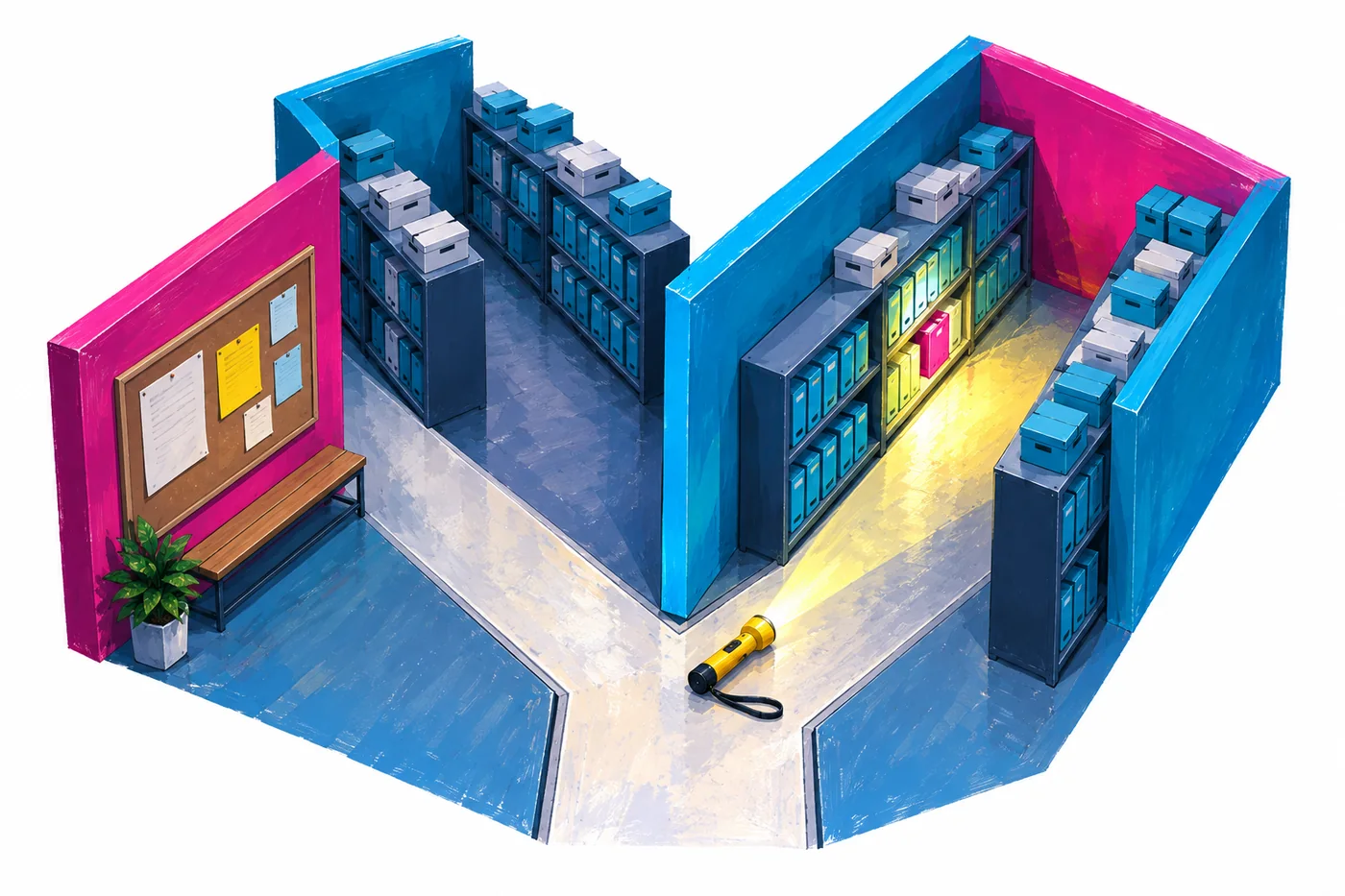
Company Brain handles this through a read scope - a defined boundary that controls which data the agent can access in a given situation. The mechanism is documented in the project and implemented in read-scope.ts (permissions.md, read-scope.ts):
| Context | What the agent reads |
|---|---|
| Public channel | Shared team memory |
| Private channel | Shared team memory plus memory from that channel |
| Direct message | Shared team memory, the employee's personal memory, and private channels the employee has access to |
The last row matters most. In a direct message, an employee can ask the agent about data from a private channel they have rights to, and the agent will answer. But permission to read a private source is not the same as permission to post that information into a public channel - that is a separate rule the team must define.
Writes always go to one place: the context where the conversation happened. The agent does not write into shared memory something it learned in a private direct message.
This describes the mechanism of one specific implementation, not a universal guarantee of data isolation. Any system needs to be tested against your own scenarios. We covered how permissions work in more depth in the article access rights for company memory.
Shared connections to external services are read-only. Writing - creating a task, updating a record - goes through the individual employee's personal connection. Actions that reach outside the chat (sending an email, creating a ticket) need their own access policy.
The agent sees only what is connected and what it has rights to, not everything the company holds. Worth spelling out to the team before launch, because expectations tend to be off in both directions.
Memory and live data are different things
An agent remembers stable things: team decisions, roles, project context. That is useful. But a note stored in memory yesterday does not prove the current state of a task today.
If you need to know the status of the latest email or where an approval stands right now, that information must come from a live connected application, not from memory. An agent that answers from a stale memory entry creates a false impression of being up to date.
This is not a bug in any particular system - it is a fundamental constraint. Memory is good for context. Live data is necessary for status. Treating them as the same thing causes real problems.
The task changed: what happens to the work in progress
A shared chat is a live environment. People clarify, rephrase, cancel. The agent needs to understand how a new message relates to what it is already doing.
Company Brain includes logic for handling incoming messages while a task is active (active-turn-gate.ts). Three cases are distinguished. A new message unrelated to the current task gets ignored. A new message compatible with the current task gets added to it. A new message that conflicts with the current task replaces it. Task cancellation is described separately as its own mechanism.
One important detail: the logic checks who sent the message. The person who assigned the task can restart it with a conflicting update. A conflicting update from someone else joins a queue rather than immediately redirecting the work. A colleague's instruction does not always take effect on what the agent is doing right now.
A concrete example. You ask the agent to draft a letter to Ivanov. Then you write "add the lawyer to CC" - compatible update, it gets added. Then you write "actually, the recipient is Petrov, not Ivanov" - conflicting update, the task is replaced according to the authorship rule. Then you write "hold on, don't prepare the letter yet, the deal terms are changing" - that is a stop, and the agent pauses.
The output should reflect the current instruction, not the one the work started with. Who exactly can change or stop someone else's task is a team rule that needs to be written down before launch.
For guidance on phrasing tasks for an agent clearly enough to avoid constant rephrasing later, see How to Write a Task Brief for an AI Agent.
Approval: when you need it
Before the agent sends an important email or creates a task in an external system (a CRM, for example - customer relationship management software where contacts and deals are tracked), it is worth confirming that it is about to do exactly what was intended.
Approval is needed for actions that fall into a risk zone as defined by the team's own policy. Routine actions that have been pre-approved can run automatically - there is no reason to confirm every small step.
The Company Brain authors describe saving a task in an "awaiting approval" state and pausing execution. After a decision is made, the same task resumes from where it stopped. This is the described mechanism; how reliably it performs in practice needs to be verified separately. If approval is rejected, the action does not run.
An approval request needs to show the specific action, the recipient, and the relevant data - otherwise the person cannot make a meaningful decision. "The agent wants to send something" is a bad prompt. "The agent will send the draft contract to Ivanov at ivan@example.com" is a clear one.
One scenario that is easy to miss: the action ran, but the confirmation was lost, and the task resumed and tried to run again. You need a check that the action already happened and protection against sending twice. This is an acceptance criterion for testing - not a claim that any ready-made system handles it automatically.
Long tasks: tools, steps, and recovery
An agent in chat sometimes takes on multi-step work: search for information, cross-check a document, write a draft. Here it is important to understand that "I am working on it" is not the same as a result.
Tools - search, memory, external applications - are connected as needed rather than all at once. This keeps the active context smaller and makes each step simpler; the agent is not scanning dozens of available actions on every move. Hiding unused tools does not replace server-side permission checks: access rights need to be enforced separately at the logic level.
The authors describe a step budget: before exhausting the limit, the agent warns the user and switches to answering based on what it has gathered so far. That is a reasonable tradeoff for constrained resources in this specific implementation, but it is not a general recommendation to cut off complex tasks. If the budget runs out before the task is done, the agent should report what was checked and what remains - not present a partial result as a complete one.
Intermediate updates are useful when a task runs long. An update for its own sake ("still working") is annoying. A substantive update ("found three options, checking the fourth") is worth sending.
Checkpoints help recover a task after a failure. Recovery is not automatic magic: the agent resumes from the last saved point, and you need to confirm that actions already taken will not be repeated.
How to check that everything works
Before opening the agent to a real workload, run a set of specific scenarios manually. These are editorial recommendations from Majento, not test results from Company Brain.
- Test background participation in a discussion where a colleague already answered: the agent should not add the same response without new information. A direct repeated question still deserves a response.
- Ask from a public channel about data from a private channel - verify the agent does not surface restricted information.
- Change the recipient of a letter after the agent has started working - watch how it handles a conflicting update.
- Write "stop" in the middle of a task - confirm the work pauses.
- Reject an approval request - the action must not execute.
- Check behavior after a failure during an external action, especially the lost-confirmation scenario.
- Give the agent a task based on data that is only in memory but is now outdated - it should reach for the live source.
- Assign a task that will clearly exceed the step budget - confirm the agent reports a partial result rather than stopping silently.
Four things are worth tracking: how many tasks the agent completed usefully, how many times it spoke up unprompted when it was not needed, how many times it correctly held back when approval was rejected, and how many times it repeated an action it had already taken. Each team sets its own targets based on the process.
A pilot is best started in one channel on one process. Train the team and establish shared participation rules first, then run a real case with clear acceptance criteria. More on how to structure that pilot on the Team AI Pilot page.
Questions and answers
Does an agent in a shared chat receive all messages?
The scope of what the agent receives is set by its permissions and connections. A person being in the same channel does not automatically give the agent access to every other channel. Background monitoring and direct mentions are handled differently. What the agent can read and write is determined by access configuration.
Can the agent be restricted to one channel?
Participation can be limited through settings and connections: read scope and write scope are configured by context, and public channels, private channels, and direct messages each give different levels of access. This is not the same as isolating memory to a single channel - the described scheme includes shared team memory that is reachable from multiple contexts. Strict source isolation by channel needs to be configured separately.
What happens if a task is in progress and the instruction changes?
A compatible update gets added to the current task. A conflicting instruction may replace it, depending on who sent it. Who is allowed to change or stop someone else's task is a team rule that should be written down before launch.
Does self-hosting mean data never leaves the company?
For this project, no. The Company Brain repository README describes the software layer running on Cloudflare Workers and Durable Objects, but memory and models rely on external APIs. Data does travel to those services. Infrastructure and external service costs remain as well. Before deploying, it is worth understanding exactly what data goes where.
To work through a specific scenario or prepare your team for an agent launch, write to t.me/shimaoz or hello@majento.ai. How to run a pilot with defined acceptance criteria is covered on the Team AI Pilot page.