Order
A customer places an order
 AI
Get in touch
AI
Get in touch
We automate work that teams still do by hand in spreadsheets, email and messengers. We connect the systems involved and hand repetitive steps to rules or AI. Below is a 5-step customer-request example with duplicate checks and human review. We work across countries in English and Russian.
Let’s talk
We look at how your business actually works and design automation around it.
Take an incoming order as an example. Before building anything, we trace where it arrives, who checks the details, which system records it and how the customer learns what happened. The first version must also handle a repeated order or a missing field without creating a second record by accident.
A customer places an order

Your team checks the details

Automation handles routine steps

The order is completed and recorded
We integrate your systems so data flows between them without repeated manual entry.
We map the fields and permissions in the systems you already use. A CRM record, a stock balance and an employee notification may each live in a different place. We agree which system is the source of truth, what can be read or changed and how a failed transfer becomes visible to the team.
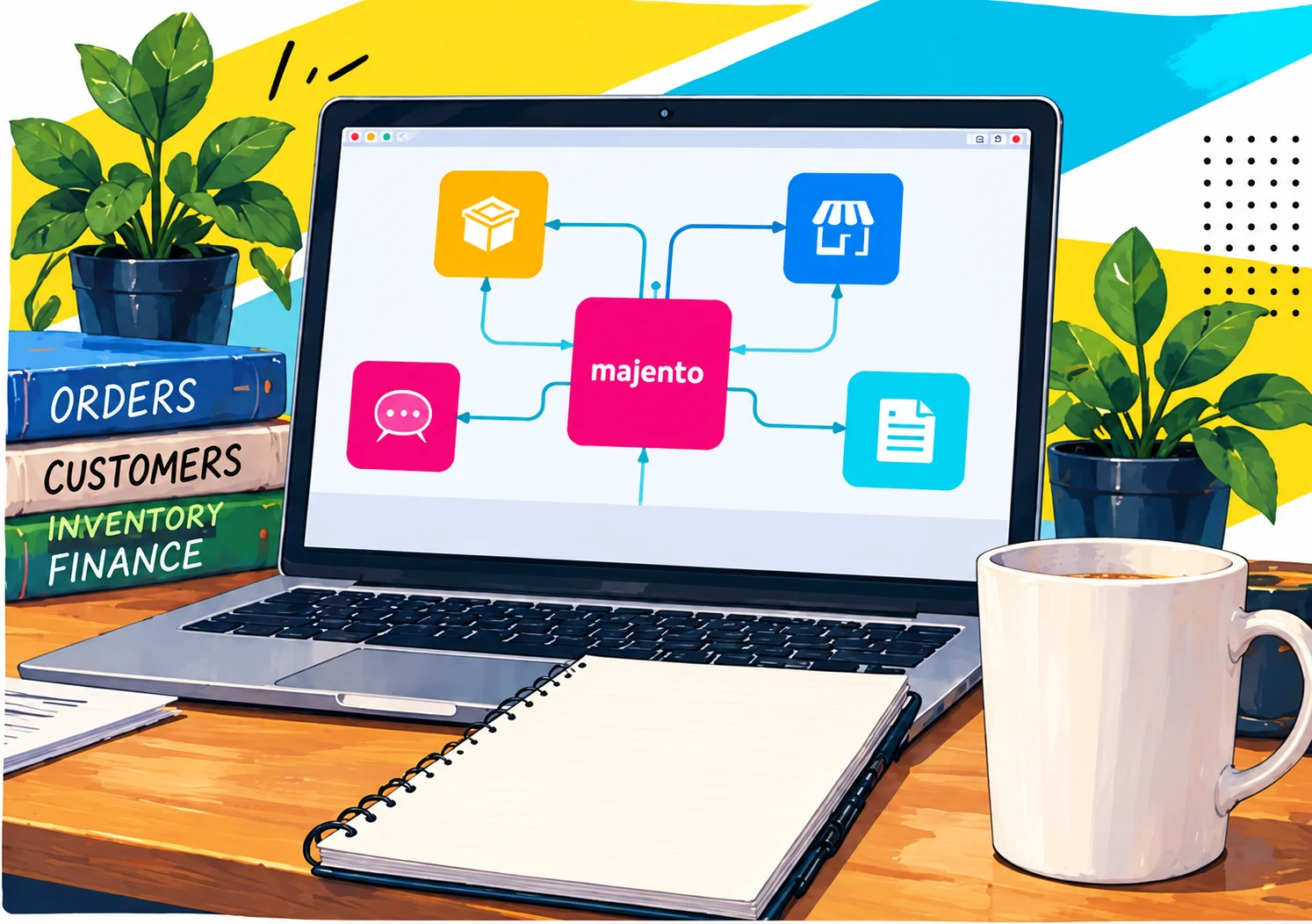
Your team stays in charge. Automation handles routine work; people handle exceptions and decisions.
A routine order can follow a rule; an incomplete request needs a person. We define who receives exceptions, what they see from the original message and how to correct a mistake. The team can then review both successful actions and cases the system could not complete.

Tell us about your workflow. We’ll discuss a practical next step.
Let’s talkMajento is based in Tashkent and works with companies in Central Asia, Russia, Belarus and other markets in English and Russian. Process reviews, training and solution testing can take place remotely. We agree on in-person sessions with your team.
Before starting, we confirm the participants, meeting schedule and working materials. For development, we involve your IT team to agree on integrations, data access and acceptance checks.
Meet the team and find our contacts on the company page.
Updated
Take a new customer request as a working example. A message arrives, someone checks the details, a record is created, an owner is assigned and the team receives a short summary. A training example built on fictional data.
Rules are better for fixed fields and permissions. AI can help when a message is unstructured, a document needs a summary or the same question arrives in different words. We test that boundary with representative examples before choosing a model.
| Step | Possible approach | Human control |
|---|---|---|
| Extract details | Rules for known fields, AI for free text | Check missing or uncertain fields |
| Find a duplicate | Search in the existing system | Keep the original record as the source |
| Prepare a summary | AI draft with links to the source | Owner approves the wording |
| Assign the work | Existing rules or a small integration | The responsible person can reassign |
A spreadsheet often contains part of the business logic already: formulas, links between sheets, manual adjustments and lookup tables. Before automating it, we inventory the sheets and metrics, record the source of each figure and identify who accepts the final result. We check empty rows, duplicates and mismatched units separately. An attractive dashboard does not prove that its calculations are right.
We compare the first version with examples the process owner has checked by hand. When an input file changes, we check that formulas and references still work. Our practical guide to AI and Excel explains the route from workbook inventory to a reviewable report.
An automation that handles only the happy path is not ready for work. We agree what happens when a request is incomplete, a customer writes twice, the source system is unavailable or the answer has no reliable basis. Low-confidence cases go to a person. A failed integration goes into a visible queue instead of disappearing.
The team starts with its own tasks. During training, people compare the current way of working with checked AI outputs and record where the tool saves time, introduces risk or adds no value. Repeated, useful cases move into a project brief with an owner, input data, systems, permissions and acceptance criteria.
The next step may be an ordinary integration, an AI assistant or no software change at all. We keep the decision tied to the workflow.
Integration count, data quality, message volume, access rules, approval steps and support after launch all change the work. We agree the pilot boundary after reviewing the process. To judge the effect, we first measure how the process works today.
Start with corporate AI training · See how implementation works · Choose a Telegram bot, AI bot or Mini App
When a process includes AI, the NIST AI Risk Management Framework provides background for assessing its risks.