 AI
AI
How to Roll Out AI at Work Without Resistance or Meetings: Five Moves

AI adoption moves forward when everyone it touches wins right away - and when each next step gets cheaper. Persuasion, mandates, and oversight don't produce that kind of win, so people resist. What works are concrete moves: website data flows into your CRM (the system your team uses to track customer interactions) on its own, a vacation request goes through a chat bot, documents fill out from templates, security questions get answered before they're asked, and a report assembles itself without anyone touching a spreadsheet.
Why persuasion, mandates, and supervisors don't move adoption forward
Learning to work with AI agents on your own hits a ceiling fast - the ceiling is other people. An AI agent is a software program that completes several steps of a task by itself, without a human checking in at each one. You've sped up. Everyone and everything around you hasn't.
Why rational explanations don't work
People change slowly when someone walks up and logically explains that they've been doing their job wrong. The logic seems airtight - just say the sensible thing, and they'll accept it. But you encode the idea in your own language and experience, and the other person decodes it in theirs, and a lot gets lost in transit.
When a colleague watches you work smoothly with AI, the person who can't do that yet feels embarrassed and guilty. They were managing fine before you arrived. Their current way of working mostly suits them, and they don't notice where their time disappears. Push to change their mind and you'll get, at best, a polite no.
Why a mandate doesn't work either
One company built an internal system for its staff. Salespeople, managers, and the marketing team were told: use this. Nobody asked what they actually needed. Almost no one logs in.
A common mistake: if you build the system, you can make people use it. You can't.
Why adding a supervisor solves nothing
When a manager is pushing everyone along, a lot of energy gets spent and not many tasks get done. Hire another supervisor and the problem solidifies: the intermediary doesn't understand why anything is being done, passes on bad work, and strong people start leaving.
Resistance is natural. Every change costs people effort, and every manager finds it easier to leave things alone. So the new path has to feel easier than the old one.
The rule of a move: win immediately, make the next step cheaper
A good move produces an immediate win for everyone it touches - so they don't resist and no meeting is needed. It also makes every following move cheaper. That same principle guides where you start.
The win has to reach everyone affected, and it has to be immediate. Otherwise a formal change request turns into a string of meetings and sign-offs where details get lost.
The second half of the rule is about what a move leaves behind: access to data, a connection between two systems, a ready-made template, or an ally in another department. The next move builds on that and doesn't start from scratch.
Someone who wants to eat better keeps healthy food within arm's reach and makes the walk to the candy aisle longer. Work operates the same way: you bring the useful action closer and push the unhelpful one further away.
AI transformation is similar: manual steps get removed one at a time, and AI becomes the link connecting people, documents, and data. That's why some of the moves below are plain automation with no AI inside - they connect systems and open access to real data, which AI can then actually use.
When everyone wins, there's no reason to schedule a meeting.
Five moves: who wins immediately and what gets cheaper after
Below are five moves from company stories. For each one, you can see who won right away and what became less expensive afterward.
| Move | Who wins immediately | What gets cheaper next |
|---|---|---|
| Website data flows into the CRM automatically | Salespeople and the sales lead - less manual entry | What's actually happening in sales is visible without having to ask |
| Vacation request through a chat bot | Employee - no portal or password; manager - two buttons; HR - no portal to maintain | Future requests follow the same path; no new login system to build |
| Document templates fill out automatically | Staff - no manual entry across ten fields; the person who set it up - access and all templates | Understanding what this team cares about; allies for later |
| Security answers ready before the questions arrive | Bank reviewers get answers to their own checklist; no all-hands meeting for the team | One document covers multiple bank audits; answers live in a knowledge base |
| Report assembles itself | Three employees stop building it by hand; the manager stops loading them with that work | Fresh project status available at any moment without a new meeting |
Website data flows into the CRM automatically
At one company, access to the CRM wasn't won with a request - it was offered as a trade. Salespeople heard something like: you enter data by hand, and that same data is already sitting on the website - want it to show up in the system on its own?
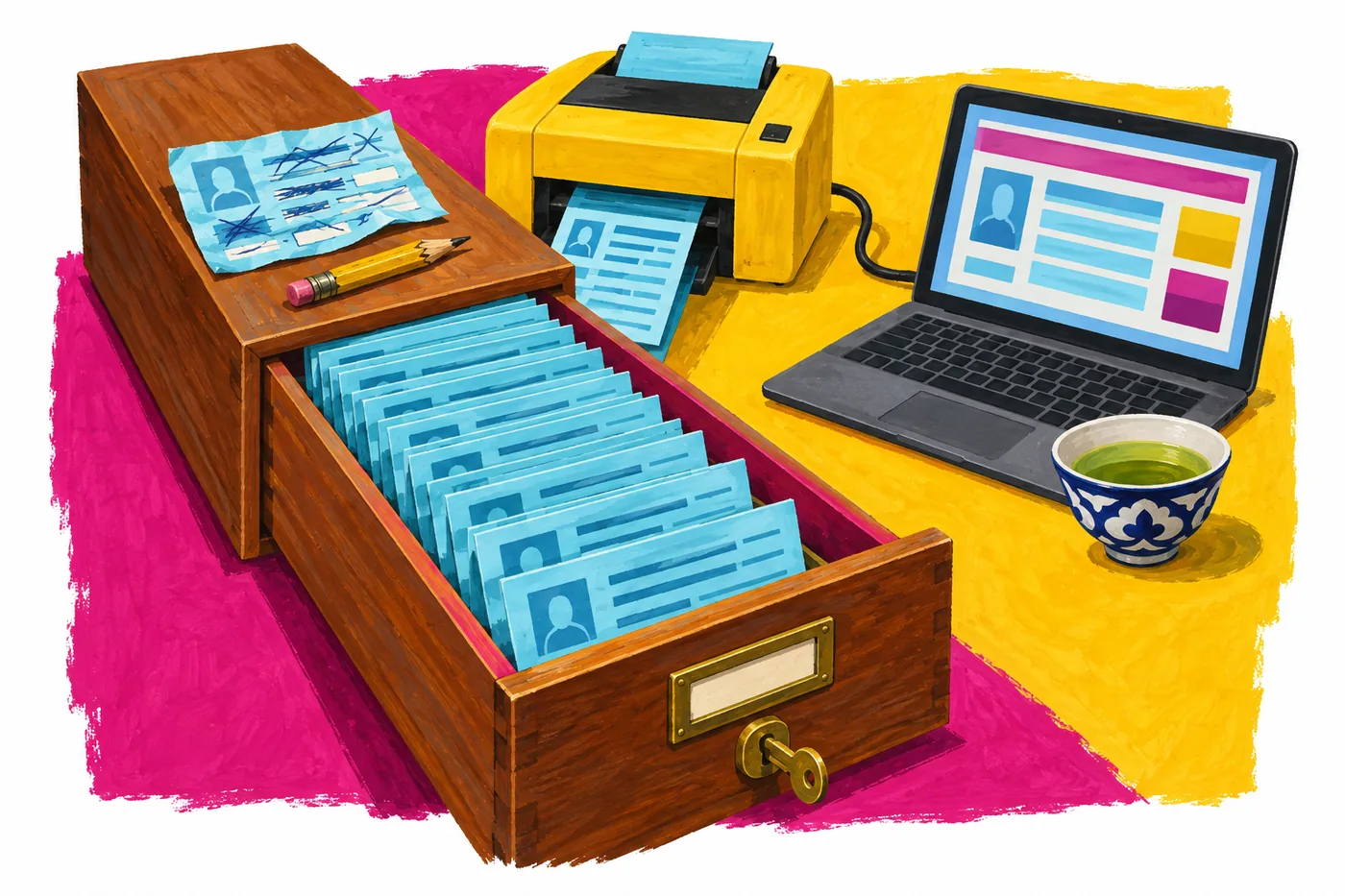
For salespeople and the sales lead, that's a good deal: less manual work. The website data got loaded into the system, the team walked through a checklist to confirm it recorded correctly, and access was granted. No pushback.
The next step got cheaper: with CRM access, anyone can see what's actually happening in sales without having to ask the sales lead.
Vacation request through a chat bot
Before: a separate HR portal. To request leave, an employee had to remember the URL (they visit once a year) and the password (which by security policy rotates every three months), find the email, and finally get in. The manager went through the same routine: remember the URL, remember the password, log in, tick one box.

Now: a simple bot in the work chat. The work chat is already protected by the company's existing login - no separate password. An employee messages the bot with their requested dates. The manager gets a message with two buttons: approve or decline. The same message shows who else is away those days. The bot stores everything in a regular spreadsheet.
HR won too: no complex system to maintain, no tickets to IT saying the portal is down again. The bot lives where security already lets employees in, so there was nothing to argue about. Future simple requests can follow the same path.
Document templates fill out automatically
At one company, legal documents were the first thing automated. The same templates were used with many counterparties; every document required manually filling in about ten fields in a word processor. Nobody wanted to do it.
The team took the templates and showed colleagues that the documents could be generated automatically, without filling in the fields by hand. They switched immediately. The person who set it up came away with several things at once: all the templates, access to that team's documents, a clear sense of what mattered to them - and new allies.
Security answers ready before the questions arrive
One company needed a data security policy in two languages: their service was going through compliance reviews at multiple banks. The team drafted it with lawyers, and the work was slow. The lawyer didn't understand the technical architecture; the CTO couldn't write in formal legal language; the bank's compliance staff didn't know the company's system. Getting all three in a room at the same time was extremely difficult.
They tried something different. An AI agent pulled together a standard checklist of security requirements that bank compliance teams typically use, along with what they look for in a review and what worries them. The agent then worked from fragments of the company's internal knowledge base; separate agents acted as reviewers and checked the references and conclusions. The finished document included, for example, a description of anonymized identifiers and a section titled "what we don't want to know" - covering the decision not to re-identify individuals and to use only aggregated analytics.
Security teams and lawyers follow a formal procedure: they need to receive a document, check it against their list, and look for red flags. Every day people bring them problems outside their scope; a new bot is one more thing to track. If you already know their checklist and answer every item in advance, you make their job simpler.
Prepared answers replace a meeting that would otherwise have to be scheduled. The company kept them in a knowledge base organized by common request type, and the same document served multiple bank reviews.
A report that builds itself
A familiar scene: an executive sends a note; one employee turns it into a text document, a second enters numbers into a spreadsheet, a third builds a presentation; it goes back to the executive, who presents it at a meeting. At every step, some of the meaning drops out, and nobody's sure who actually checked the numbers.
To produce one report, a manager pulls three people into that work. The fix starts with an automatic data export from the systems where the actual numbers live. First, though, you have to confirm the data agrees with itself. Often the first thing a company learns is that its data sources don't match.
Once sources are reconciled and connected, you can ask at any moment who is working on what and get fresh project updates - no new meeting required.
How to set up a daily briefing like this for a manager is covered in A Daily Briefing Instead of Micromanagement.
How to find your first move
Look around: many people in your company are frustrated with how work is set up, and there are almost always people who genuinely want to fix something. Spend a week watching how people work and write down where time disappears. Or ask over lunch: "What's actually driving you crazy right now?" Go after problem number one or two - the one someone is thinking about when they wake up.
Start small: before you fix the big things, fix the simple ones.
A teaching example - a social media specialist. Most of their time goes to video editing; it's why they stay late to deliver a clip on the same day it's due. Instead of arguing that they need a different tool, ask for one of their videos and show them directly how an AI agent can suggest two or three short cuts, leaving the person to check the result. Immediate win: less manual editing. What gets cheaper: they start bringing their own data.
By role, first moves tend to look like this. In marketing - get access to the CRM. In sales - ask developers to automatically populate CRM fields from the website form. For a manager - get direct access to marketing initiatives instead of receiving them as forwarded documents.
How to run the first AI session on your team's actual tasks is covered in our article on running the first team AI workshop.
How to check a move before you launch it
Before launching any move, run through this teaching checklist of four questions, derived from the rule above.
- Which participants do less work from day one?
- Is there anyone for whom this move adds work or risk - an employee, a manager, IT, security, legal?
- What does the move leave behind - access, data, a connection, a template, an ally - and why does the next step cost less because of it?
- Does everyone need to be convinced in a meeting first? If yes, the win hasn't been designed for everyone yet.
How change spreads without meetings
Change spreads through people who've seen it work. Show two or three colleagues how it works and you have allies; they show their neighbors, and over time the new way becomes normal. No meetings required.
Starting with the people most open to change makes this easier. "Without meetings" doesn't mean "around the official channels": data access comes from data owners because it's good for them, and security teams get their answers prepared in advance.
Templates and working materials should live somewhere shared so the next person doesn't start from zero - how to set that up is covered in the article on building a shared AI layer for your company.
Majento runs corporate AI training as the first phase of a project: the team starts with their own work tasks, identifies what's worth turning into a dedicated rollout, and the right case becomes a pilot, an integration, a new standard process, or a deliberate decision to leave things as they are. More on AI team training on real work tasks and moving from exercise to pilot.
Each next move costs less than the one before.
Questions and answers
What to do when the manager of another department is against it?
Don't argue and don't try to persuade: rational explanations usually end with a polite no. Find out what work is hardest for their people and offer to remove exactly that.
Do you need to go through security to launch a bot in the work chat?
Going to security is worth it - but go with ready answers. If the bot lives where employees already log in with their company account, no separate login system is needed. Close the review questions in advance, point by point against their checklist, and the conversation won't turn into a chain of approvals.
Where to start if nobody in the company uses AI yet?
Start with something small that everyone involved finds annoying. Take one person's actual data and show them, right on that data, how AI removes a specific piece of manual work.
Why not hold one all-hands meeting and explain everything?
In a group meeting, everyone interprets what they hear through their own experience, so a lot gets lost. The shift starts when someone has tried the new way themselves and found it easier than the old one. A move doesn't need a meeting: the benefit shows up on your own task.
How to know a move worked?
People use the new way on their own, without reminders or oversight. The next access request gets granted without negotiation. If the new way needs monitoring and follow-up, the win wasn't designed for everyone.
If you want to find your first move and test it on your team's real tasks, message us on Telegram or email hello@majento.ai.